Ultimate Paste is a native macOS clipboard history app we built and sell as a one-time $5 download. It keeps copied text, links, code, colours, SVG, files, images and screenshots in a local searchable library, with quick paste, a notch shelf, source app context, retention controls and sensitive-content detection.
The brief
Ultimate Paste started from a small Mac frustration: the thing you copied five minutes ago is usually still useful, but macOS gives you one clipboard and no memory. The product had to stay fast, store data locally, and make sense as a one-time $5 utility rather than another account-backed service.
What we built
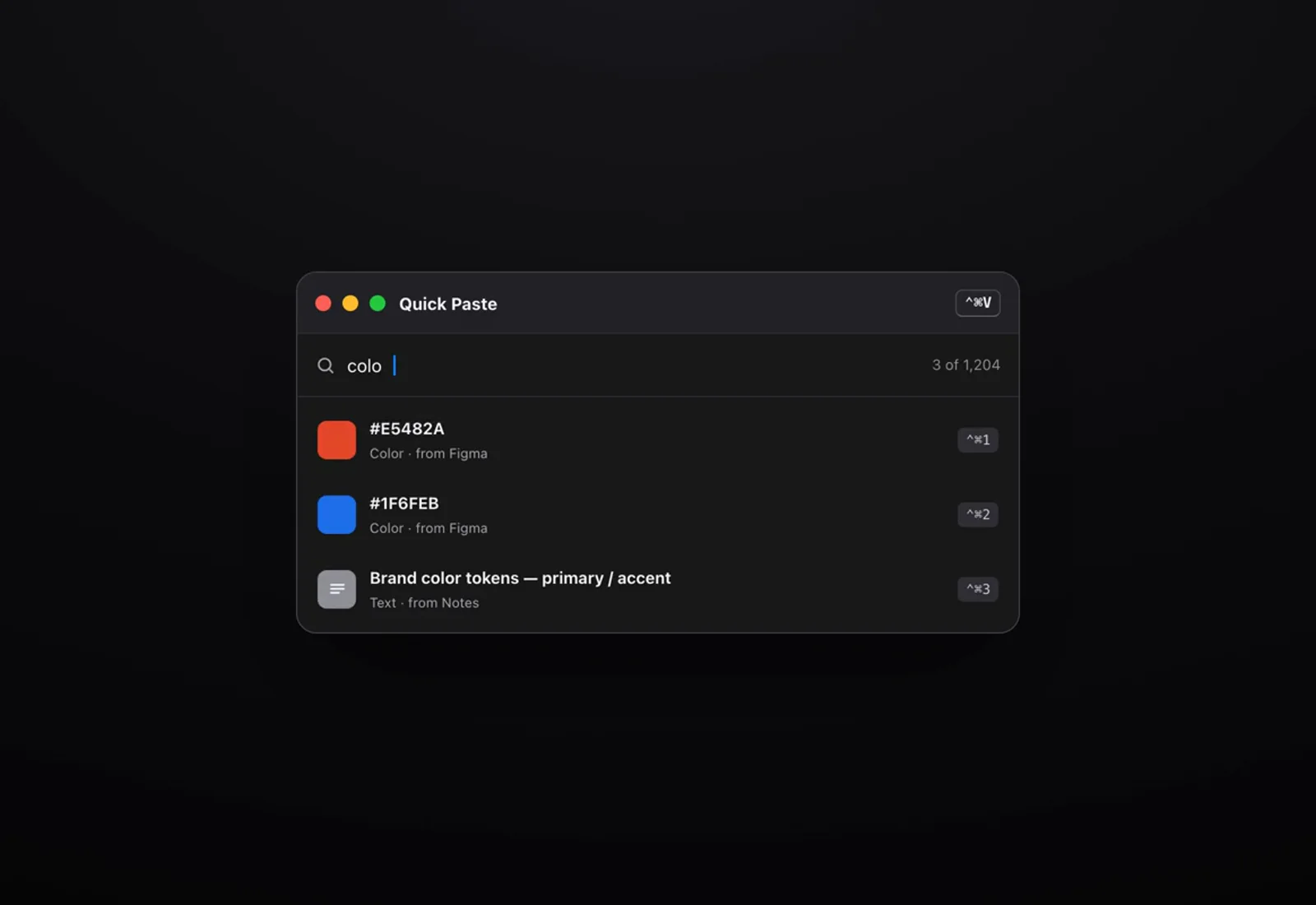
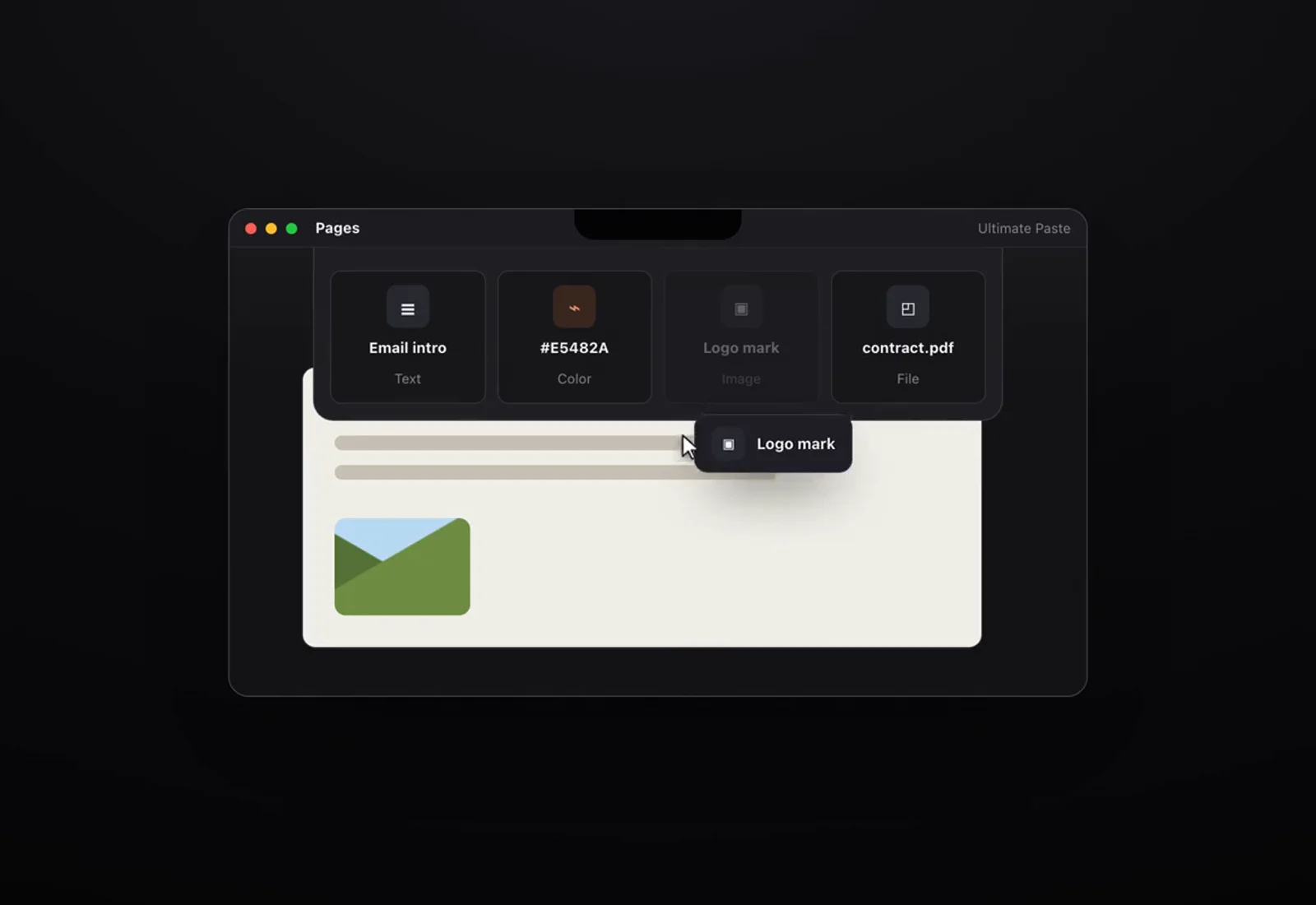
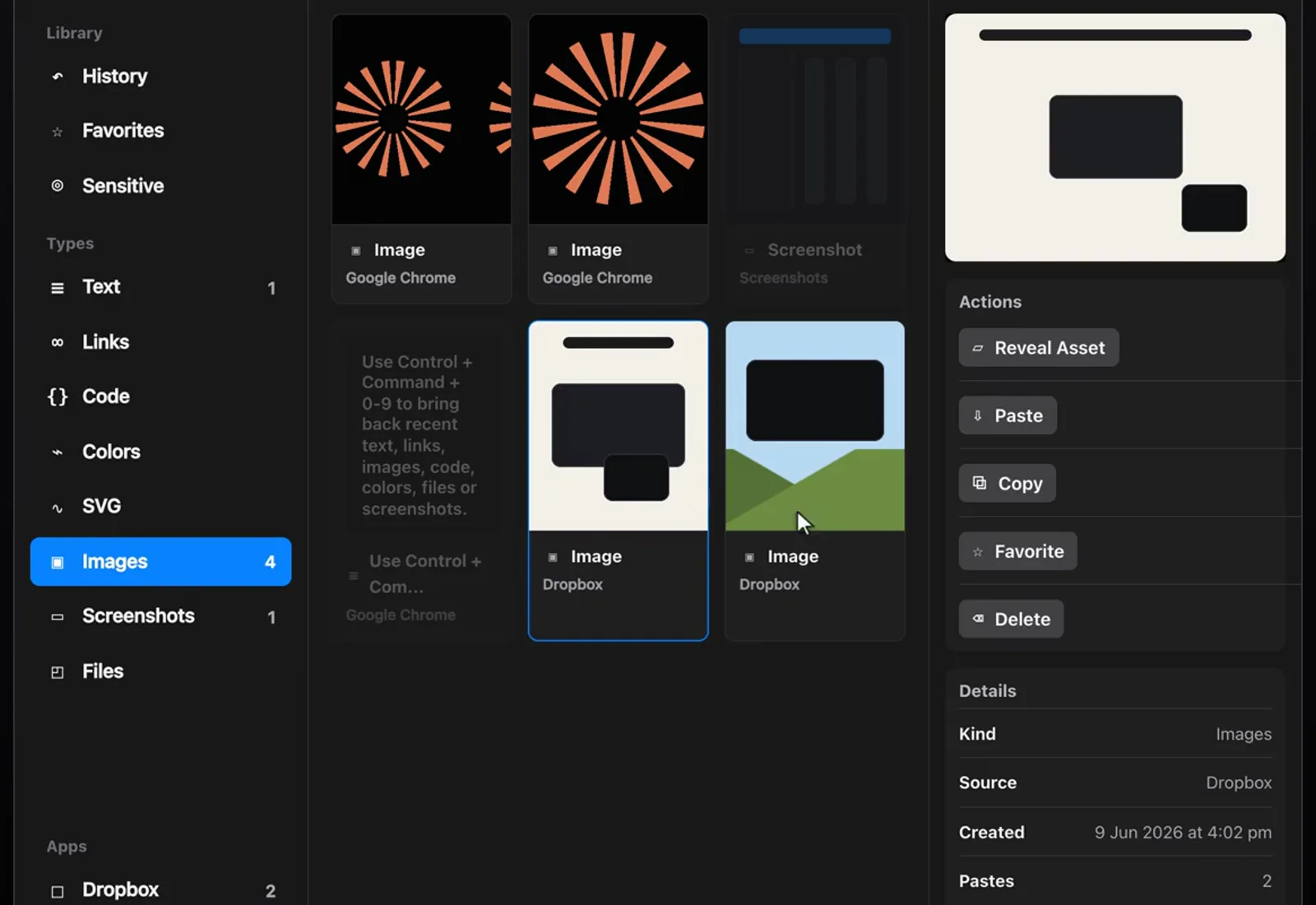
A native macOS app with a menu bar shelf, searchable library, quick paste panel, global shortcuts, top-edge notch shelf, type filters, favourites, categories, retention settings and screenshot monitoring. The app records source application metadata, classifies clips by type and keeps files and image assets organised locally.
The hard parts
Clipboard apps look small from the outside, but the useful work is in the edges: pasteboard formats, file assets, screenshots, hotkeys, source app detection, menu bar behaviour, Accessibility permission for paste automation, and not storing sensitive text in a way that surprises the user.
Why it matters
Ultimate Paste looks simple because it should. Underneath are pasteboard formats, file assets, screenshot capture, global shortcuts, Accessibility permission, local storage, packaging and checkout. That is most of the job.
Build notes
- Clipboard history stays local under ~/Library/Application Support/Ultimate Paste, with no account required.
- Classifier handles text, links, code, colours, SVG, files, images and likely screenshots, so the library can be filtered by type instead of becoming one long list.
- Quick Paste opens with Control+Command+V, and recent clips can be pasted with number shortcuts.
- The notch shelf gives a top-edge drag target for recent clips when opening the full library would interrupt the task.
- Sensitive-content detection redacts likely passwords, API keys, tokens, private keys and credit-card-like numbers.
- The product was packaged, priced and connected to Lemon Squeezy under the approved Beggars Apps store.